April 15, 2021

GiveWater Dark Mode

Transform your GiveWater experience with Night Eye’s dark mode. By switching the harsh white background to a sleek dark theme, you reduce eye strain, protect your vision, and enjoy smoother browsing—even during long sessions. Whether you're supporting clean water projects or simply searching online, dark mode makes every click more comfortable.
April 5, 2021

Baidu Dark Mode – How to enable it in 2 easy steps

Transform your Baidu experience with Night Eye’s dark mode. Say goodbye to the harsh white screen that strains your eyes—switching to a smooth, dark theme is as simple as two clicks. Enjoy reduced glare, improved focus, and a healthier browsing experience while preserving battery life.
March 23, 2021

Google Analytics Dark Mode

Dark mode in Google Analytics offers relief for digital marketers, SEO specialists, and entrepreneurs who spend hours examining data. Enabling dark mode with Night Eye reduces eye strain, prevents headaches, and creates a comfortable viewing experience during late-night work. The stylish, energy-saving dark theme enhances focus and makes analyzing data easier on the eyes. Experience a more efficient and eye-friendly Google Analytics by activating dark mode with Night Eye today.
March 22, 2021

What Is Dark Mode? The Complete 2026 Guide

Dark mode is a user interface setting that flips the traditional white background to a dark one, displaying light text on a dark canvas. This approach reduces glare, minimizes eye strain, and can even save energy on AMOLED displays. With smart solutions like Night Eye, you can effortlessly convert virtually any website into an eye-friendly dark theme, ensuring a consistent, comfortable browsing experience that helps improve focus and protects your vision in low-light environments.
March 12, 2021

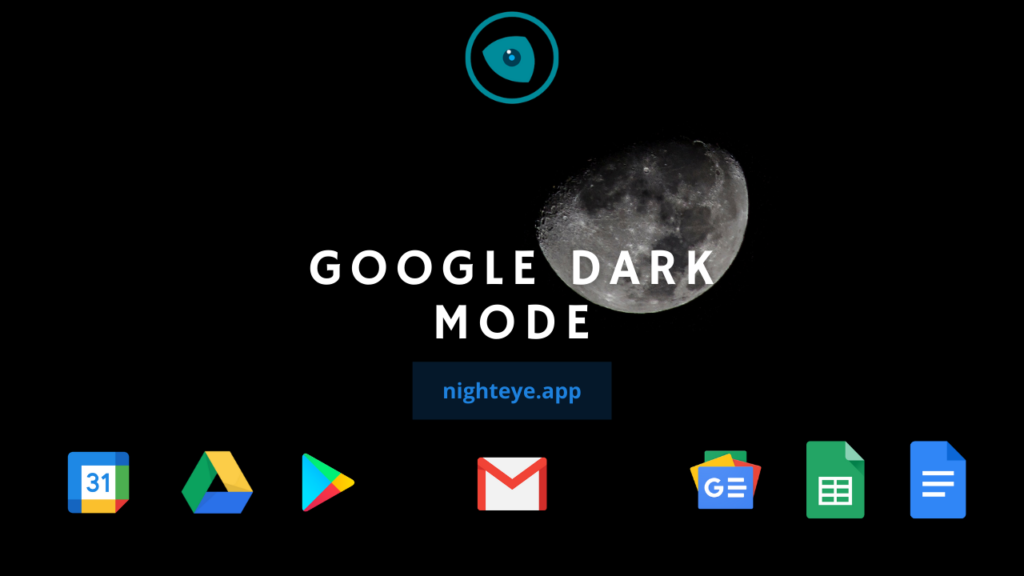
Google Dark Mode: Turn Every Google Product Dark

Google dark mode has been a top user demand for ages, and now Google is testing it for desktop search. With Night Eye, you can convert Google’s bright interface into a sleek, eye-friendly dark theme across Search, Calendar, Docs, Gmail, and more. This smart dark mode reduces glare and eye strain, making your browsing experience smoother and more productive. Enjoy a comfortable, distraction-free interface with Night Eye powering Google dark mode.
October 13, 2020

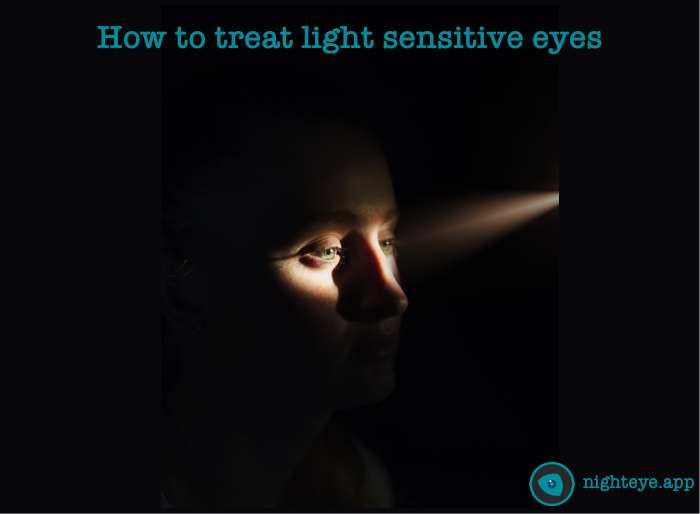
How to treat light sensitive eyes

Photophobia, or light sensitivity, can cause discomfort and eye strain, making it difficult to function in bright environments. Whether due to medical conditions, eye strain, or natural sensitivity, reducing exposure to bright light is key.A simple solution is using dark mode, which replaces bright white screens with darker, eye-friendly tones. The Night Eye browser extension enables dark mode on nearly any website, minimizing glare and filtering blue light—two major triggers for photophobia. If screens contribute to your discomfort, switching to dark mode can help provide relief and improve your browsing experience.
September 29, 2020

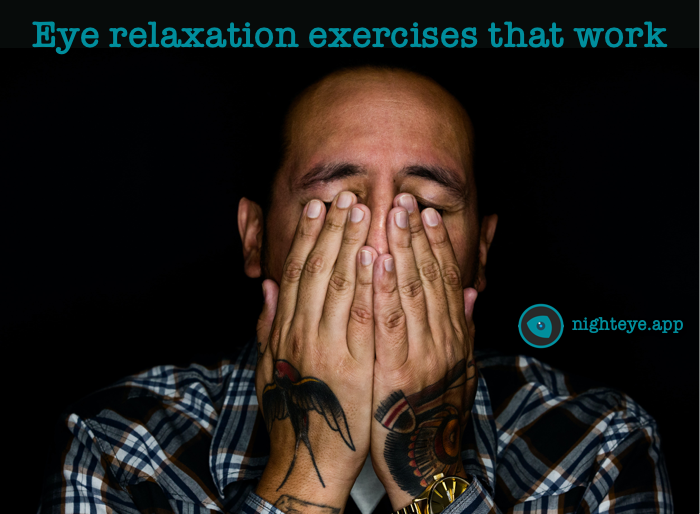
5 Eye Relaxation Exercises that Actually Work to Improve Your Vision

Spending hours staring at screens can cause eye strain and fatigue. These five simple eye relaxation exercises can help improve your vision: Palming (covering eyes with warm hands), Focusing (shifting focus from near to far), Looking Left to Right, Figure Eight tracing, and Eye Rolling. Adding these to your daily routine can strengthen eye muscles and reduce strain. Using dark mode with the Night Eye browser extension also helps by minimizing screen brightness and filtering blue light, making reading easier on your eyes. Try these exercises and dark mode for better eye health!
September 4, 2020

Photophobia: Why are Your Eyes Sensitive to Light?

Do you ever find yourself squinting, blinking, or feeling discomfort in bright light? If so, you may have photophobia—a heightened sensitivity to light. Whether it's from migraines, eye strain, or another underlying condition, photophobia can make everyday activities uncomfortable, exhausting, and even painful.
August 26, 2020

Eye Strain Symptoms and Relief

Staring at bright screens for too long can leave your eyes tired, itchy, and strained. If you’ve ever struggled with blurred vision, headaches, or light sensitivity, it’s time to give your eyes a break.One of the easiest ways to reduce eye strain is by enabling dark mode. With Dark Mode - Night Eye, you can minimize glare, filter blue light, and create a more comfortable viewing experience while reading, working, or browsing.No more squinting at blinding white screens—just smooth, eye-friendly browsing that helps protect your vision. Switch to dark mode and feel the difference!
August 21, 2020

Neoteo Dark Mode

NeoTeo is a must-visit for Spanish-speaking tech lovers, delivering the latest news on hardware, software, and mobile technology. But let’s be honest—that bright white background? It’s brutal.That’s where Dark Mode - Night Eye comes in. It instantly flips NeoTeo into a sleek, easy-on-the-eyes dark mode, cutting down glare, blue light, and screen fatigue. No more struggling through articles or taking breaks just to rest your eyes—just smooth, comfortable browsing so you can focus on the latest tech updates.Why fight against bright screens when dark mode makes everything better?
August 20, 2020

MakeUseOf Dark Mode

Dark mode transforms MakeUseOf into a smooth, eye-friendly experience, reducing glare, blue light exposure, and eye strain. The site's bright white background can make reading uncomfortable, but with Dark Mode - Night Eye, you can browse tutorials and tech tips without visual fatigue.With Night Eye, MakeUseOf becomes easier to read, allowing you to focus on learning without the harsh brightness. Switch to dark mode and enjoy MakeUseOf in a whole new way.
August 19, 2020

Lifehacker dark mode

Let’s be real—Lifehacker is packed with genius tips, but that blinding white background isn’t doing you any favors. You come here to learn cool tricks, not strain your eyes.That’s where Dark Mode - Night Eye steps in. It flips Lifehacker into a smooth, easy-on-the-eyes dark mode, cutting down glare, blue light, and screen fatigue. No more squinting, no more eye strain—just distraction-free browsing so you can focus on the hacks that actually make life easier.Why struggle with bright screens when dark mode makes everything better?
August 18, 2020

Mashable Dark Mode

Dark mode transforms Mashable into a smooth, eye-friendly experience, reducing glare, blue light exposure, and eye strain. The site's bright white background can make reading uncomfortable, but with Dark Mode - Night Eye, you can enjoy trending news, tech updates, and entertainment without visual fatigue.With Night Eye, Mashable becomes easier to read, allowing you to stay up to date without the distraction of harsh brightness. Dark mode makes browsing effortless—see Mashable in a whole new way.
Mashable Dark Mode
This website uses cookies to improve your experience. By using this website you agree to our Data Protection Policy.
Read more