Dark Mode Digest: Transform Your Screen with Night Eye

January 31, 2019

How to Enable Google News Dark Mode for Web, Android, and iOS

Protect your eyes and enhance your reading experience with Google News Dark Mode. Enable dark mode on the web using Night Eye or activate it directly on Android and iOS. Discover how to reduce eye strain, save battery, and enjoy a sleek, modern look with our step-by-step guide.
January 22, 2019

How to enable Evernote Web Dark Mode

Evernote now offers dark mode for macOS, iOS, and Android, reducing eye strain and boosting productivity. For Evernote Web, use the Night Eye browser extension to enjoy a seamless dark theme on Chrome, Chromium-based browsers, and Safari. Install it today for a better, eye-friendly experience!
January 15, 2019

How to Enable Instagram Dark Mode on iOS, Android, and Desktop

Instagram has an official dark mode for iOS 13 and Android 10 but not for desktop. Use Night Eye to enable a sleek dark mode on your computer. Just install, pick your language, and enjoy an eye-friendly Instagram. On mobile, simply turn on your phone’s system-wide dark mode.
January 8, 2019

How to Turn on Dark Mode on Amazon: A Complete Guide for Web, Android & iOS

Tired of bright screens while browsing Amazon late at night? Discover how Night Eye’s dark mode extension transforms the site into a soothing, eye-friendly experience—perfect for comparing products and reading reviews without straining your vision.
December 27, 2018

Brave Dark Mode – How to get the best dark mode available [2025]

Looking for a privacy-focused Chrome alternative with lightning speed and minimal battery drain? Meet Brave. Discover how to enhance it further by enabling Night Eye’s powerful dark mode, giving you complete control over ads, trackers, and eye-friendly browsing.
October 13, 2018

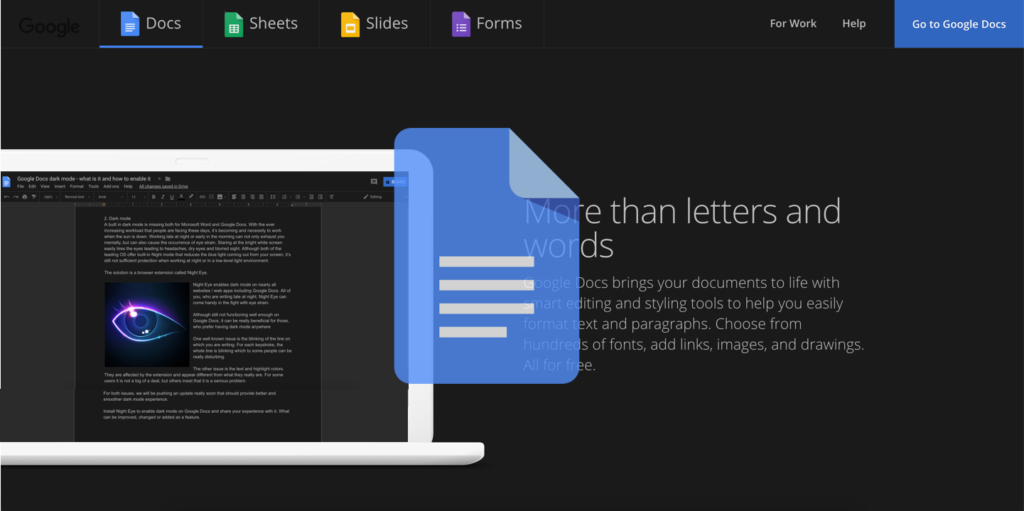
How to Enable Google Docs Dark Mode and Why is It Superior to Word

Google Docs offers a free, collaborative alternative to Microsoft Word—and with Night Eye, you can enable dark mode for a more comfortable writing experience. Discover why many users prefer Google Docs, learn how to toggle dark mode, and reduce eye strain during late-night writing sessions.
Top 8 Google Chrome extensions for students
This website uses cookies to improve your experience. By using this website you agree to our Data Protection Policy.
Read more