October 27, 2021

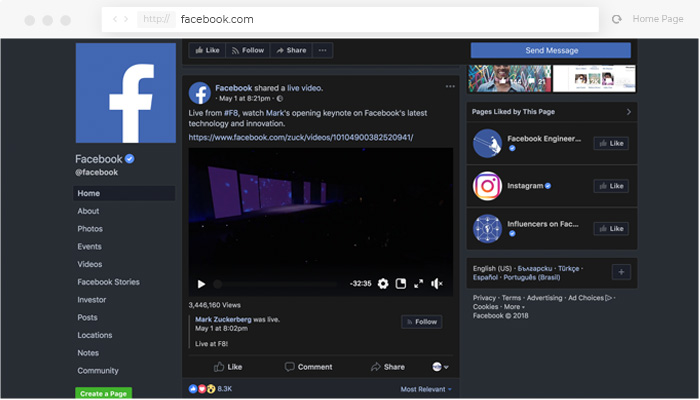
How to Enable Facebook Dark Mode for Android, iPhone, and Desktop

Learn how to enable Facebook dark mode on Android, iPhone, and desktop for a more comfortable browsing experience. Our guide shows you two simple methods: using the Night Eye browser extension for a fully customizable dark theme, and activating Facebook’s built-in dark mode on the new design. Enjoy reduced eye strain and smoother, more focused navigation with just a few clicks!
February 17, 2020

How to Enable Google Hangouts Dark Mode

Protect your eyes while staying connected with Google Hangouts by enabling dark mode using the Night Eye browser extension. Night Eye seamlessly transforms Google Hangouts and other Google products into an eye-friendly dark theme, reducing strain during late-night chats or in low-light environments. Simply install Night Eye on your browser and enjoy a more comfortable and visually pleasing experience while staying productive or catching up with friends.
February 10, 2020

TechRadar dark mode – tech news that are easy on your eyes

TechRadar now shines in dark mode with the Night Eye extension, designed to reduce eye strain and enhance readability. Whether you're catching up on the latest gadgets or tech insights, dark mode ensures a sleek, eye-friendly experience. Install Night Eye today and transform your TechRadar browsing into a comfortable, stylish journey.
February 3, 2020

Udemy dark mode – learn with ease

Udemy dark mode enhances your learning experience by reducing eye strain, especially during late-night study sessions. With the Night Eye browser extension, you can easily enable a smooth and stylish dark theme for Udemy. This user-friendly tool ensures you can focus on exploring thousands of courses across various domains while protecting your eyes.
January 28, 2020

How to Get TikTok Dark Mode

TikTok's dark mode enhances your viewing experience while protecting your eyes from strain, especially in low-light environments. Introduced in 2019, this feature adapts to your phone's preferred settings, but for desktop users or those seeking a seamless dark mode experience, the Night Eye browser extension offers an excellent solution. With Night Eye, you can enable a smooth, customizable dark mode for TikTok and other websites effortlessly. Protect your eyes and enjoy endless TikTok scrolling with dark mode enabled!
January 19, 2020

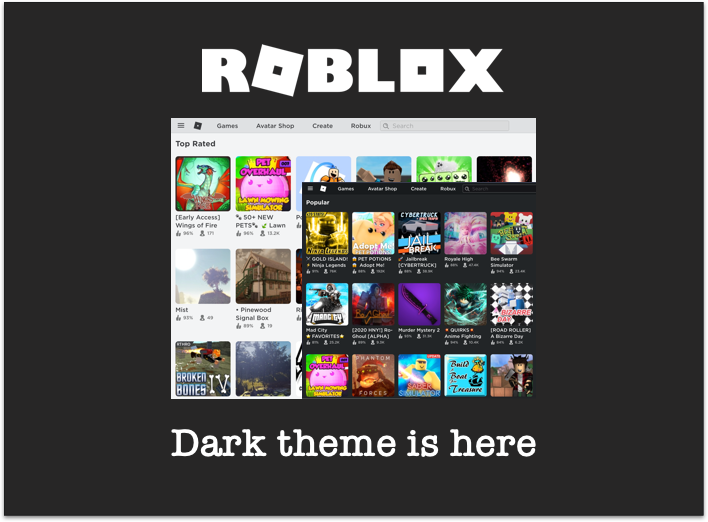
Roblox official dark mode

Roblox now offers an official dark mode, making extended gameplay easier on your eyes. Activated through the settings menu, this feature replaces bright backgrounds with a soothing dark theme, reducing eye strain and headaches during long hours of play. For platforms without built-in dark modes, the Night Eye browser extension provides a seamless alternative, enabling dark themes across websites to ensure a comfortable browsing experience.
January 15, 2020

LinkedIn dark mode – Guide to enable it on Web, iOS, and Android [2025]

LinkedIn’s dark mode, launched in 2021, is available on desktop, Android, and iOS. While the built-in theme helps reduce eye strain, the Night Eye extension offers a smoother, more customizable dark mode experience without white flashes during refreshes. Both options improve focus and protect your eyes during extended use.
January 14, 2020

Crunchyroll dark mode is here

Dark mode for Crunchyroll: Enjoy anime, dorama, and manga without eye strain by enabling dark mode on Crunchyroll. While an official dark theme is unavailable, the Night Eye extension offers a seamless solution, transforming the platform into a sleek, eye-friendly experience. Compatible with most browsers, Night Eye ensures comfortable streaming for all anime enthusiasts.
November 4, 2019

How to Enable SoundCloud Dark Mode on Android, iOS & Website

Dark mode enhances your SoundCloud experience, reducing eye strain and providing a sleek look. While available on Android and iOS apps, the web version lacks an official option. The Night Eye extension brings a smooth, eye-friendly dark theme to your browser for uninterrupted listening.
July 6, 2018

Quora Dark Mode

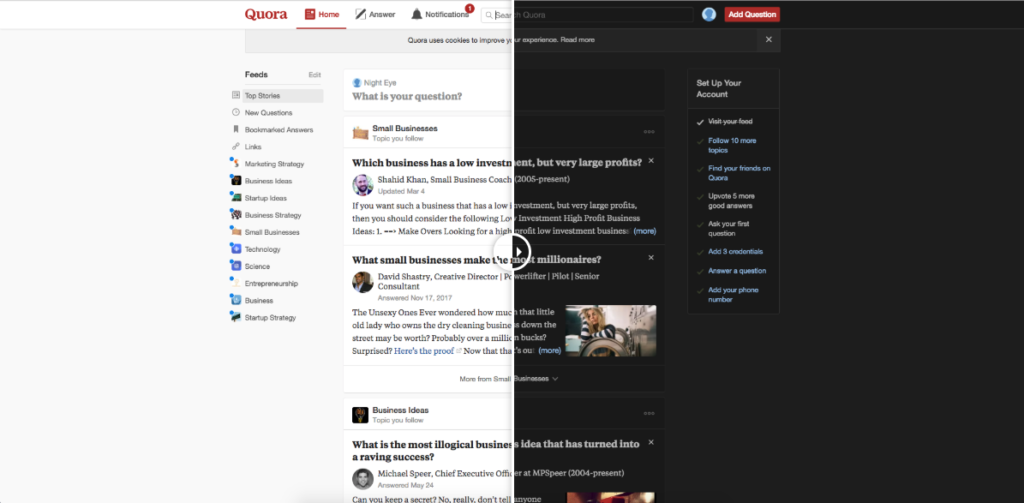
Spending hours on Quora can strain your eyes due to its bright interface. Enable Quora Dark Mode effortlessly via profile settings or use the Night Eye Extension for automatic, customizable dark mode across all devices. Enjoy a smoother, eye-friendly browsing experience while exploring knowledge and building your brand. Try it now!
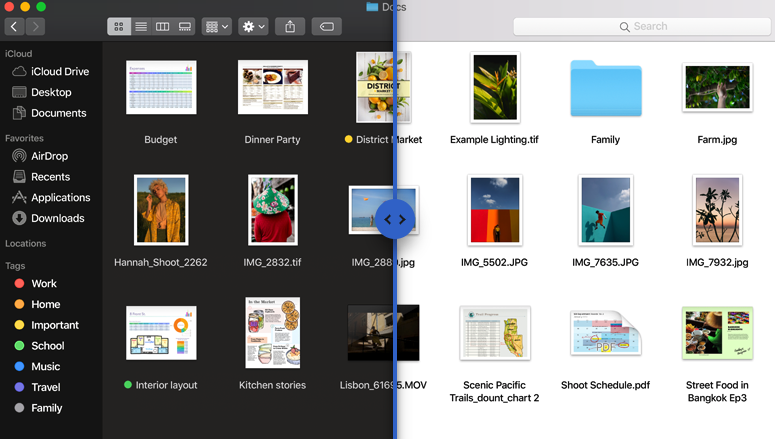
Dark Mode available on macOS – Apple just announced it during WWDC 2018
This website uses cookies to improve your experience. By using this website you agree to our Data Protection Policy.
Read more